
Table of Contents
Want to add loyalty card to Apple Wallet or Google Wallet? It takes one scan and one tap. Below are the steps for customers, and how a business can offer wallet cards without building an app.
Wallet loyalty cards are the fastest way for customers to join your program: one scan, one tap, done. This guide covers both sides of how to add loyalty card to Apple Wallet: how a customer adds a loyalty card to Apple Wallet or Google Wallet, and how a business can offer wallet cards without building an app.
How customers add a loyalty card to Apple Wallet (iPhone)
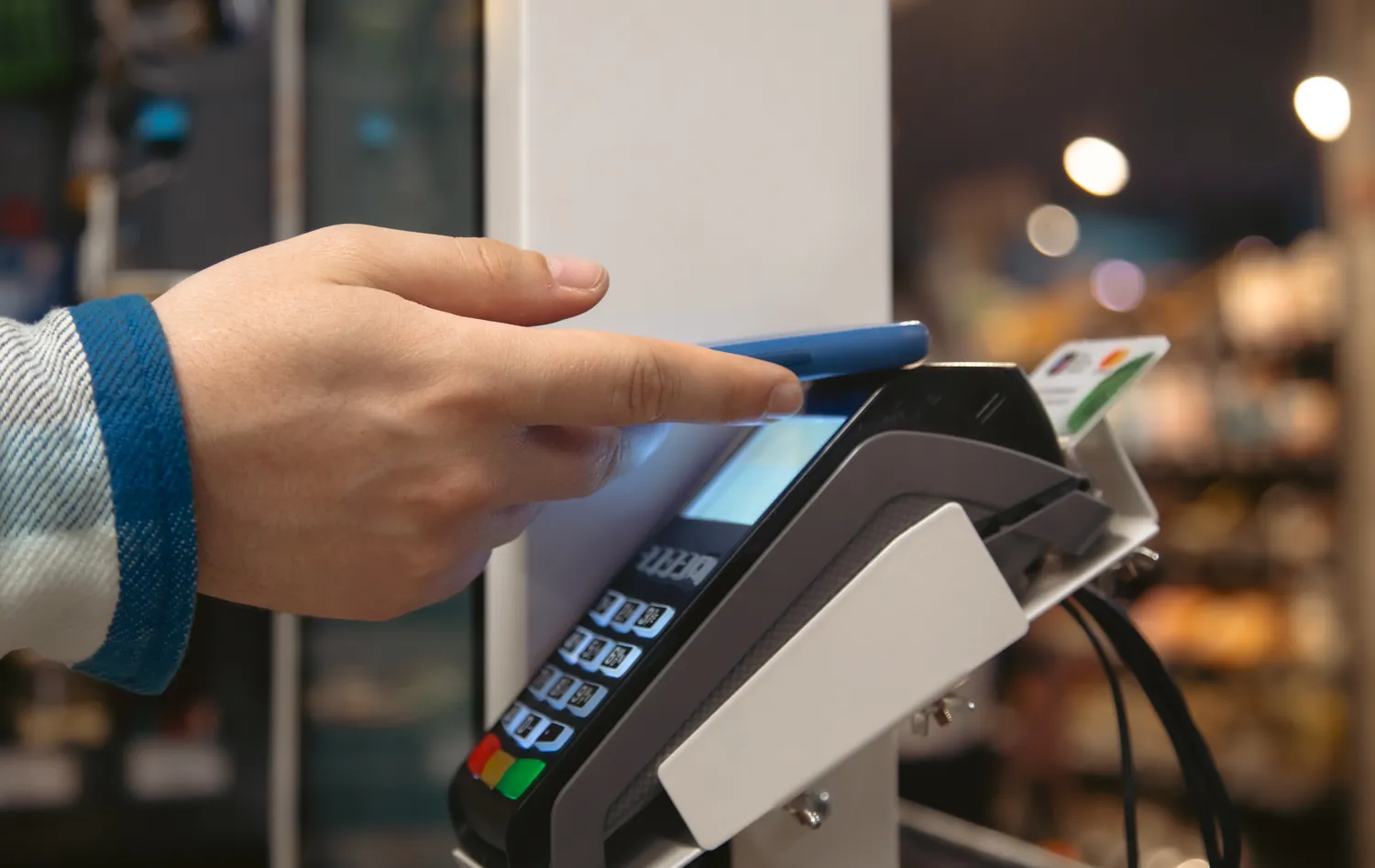
- Open the iPhone camera and point it at the business’s QR code.
- Tap the link that appears.
- A preview of the loyalty card opens. Tap Add in the top-right corner.
- The card is now in the Wallet app, next to your payment cards and boarding passes.
- At your next visit, open Wallet (or double-click the side button) and show the card’s QR code to be stamped.
Tip: the card can appear on the lock screen when you are near the shop, so you don’t have to search for it.
How customers add a loyalty card to Google Wallet (Android)
- Scan the QR code with the camera or Google Lens.
- Open the link and tap Add to Google Wallet.
- Sign in to Google if asked (most Android phones already are).
- The card appears in the Google Wallet app.
- Show the card’s code at the till to collect stamps or points.
What if the customer can’t find the card later?
- iPhone: open the Wallet app and scroll through the cards.
- Android: open Google Wallet and tap the card.
- On both, notifications from the card (such as “two stamps to go”) open it directly.
Can a business add its own loyalty card to Apple Wallet?
Yes, but not by hand. Apple Wallet and Google Wallet cards are digital “passes” that must be generated and signed by software. Building this yourself means developer accounts, certificates and a server that updates every card when a stamp is added. Loyalty platforms do all of this for you.
How to offer wallet loyalty cards without building an app
- Choose a wallet-based loyalty tool. Check that the card itself lives in Apple and Google Wallet, not just a member code.
- Design the card with your logo, colours and reward.
- Get your QR code and print it for the counter, tables or receipts.
- Install the staff scanner on a phone or tablet to stamp cards.
- Turn on notifications so the card can remind customers to return.
With Digital Loyalty Card, you design the card from 100+ templates, print one QR code and start stamping in about five minutes. No customer app, no hardware. See how digital punch cards work.
Apple Wallet vs Google Wallet: what’s different?
| Apple Wallet | Google Wallet | |
|---|---|---|
| Phones | iPhone, Apple Watch | Android phones |
| Pre-installed | Yes | On most Android phones |
| Lock-screen card near your shop | Yes | Notification-based |
| Card updates after each stamp | Yes | Yes |
A good loyalty platform issues both from the same QR code, detecting the customer’s phone automatically.
Common questions
Is it free for customers?
Yes. Adding a loyalty card to Apple Wallet or Google Wallet costs the customer nothing and needs no new app.
Does the card work without internet?
The card and its code can be shown offline. Stamp updates sync when the phone is back online.
Can customers remove the card?
Yes, like any wallet pass. That’s why useful, not spammy, reminders matter: one well-timed message beats four generic ones.
Want to compare tools that support both wallets? See our comparison of digital loyalty card apps.
Add Loyalty Card to Apple Wallet: Common Questions
Can I add loyalty card to Apple Wallet without an app?
Yes. Scan the business’s QR code, tap the link and press Add. The card goes straight into Apple Wallet. On Android, the same QR code adds it to Google Wallet.
Why can’t I add loyalty card to Apple Wallet from some shops?
The business has to issue a proper Wallet pass. If a shop only offers a paper card or its own app, there is nothing to add yet. Ask them about a wallet loyalty card.
Is it free to add loyalty card to Apple Wallet?
Yes, it is free for customers and uses the Wallet app that is already on every iPhone.
How does a business let customers add loyalty card to Apple Wallet?
Use a wallet-based loyalty platform. It creates and signs the Wallet pass, gives you one QR code for the counter and updates every card when a stamp is added.
Once customers add loyalty card to Apple Wallet or Google Wallet, it is always on their phone, which is exactly why wallet cards get more repeat visits than paper. Make it easy to add loyalty card to Apple Wallet at your counter and your sign-ups will follow.